SWS Hosting – User Guide
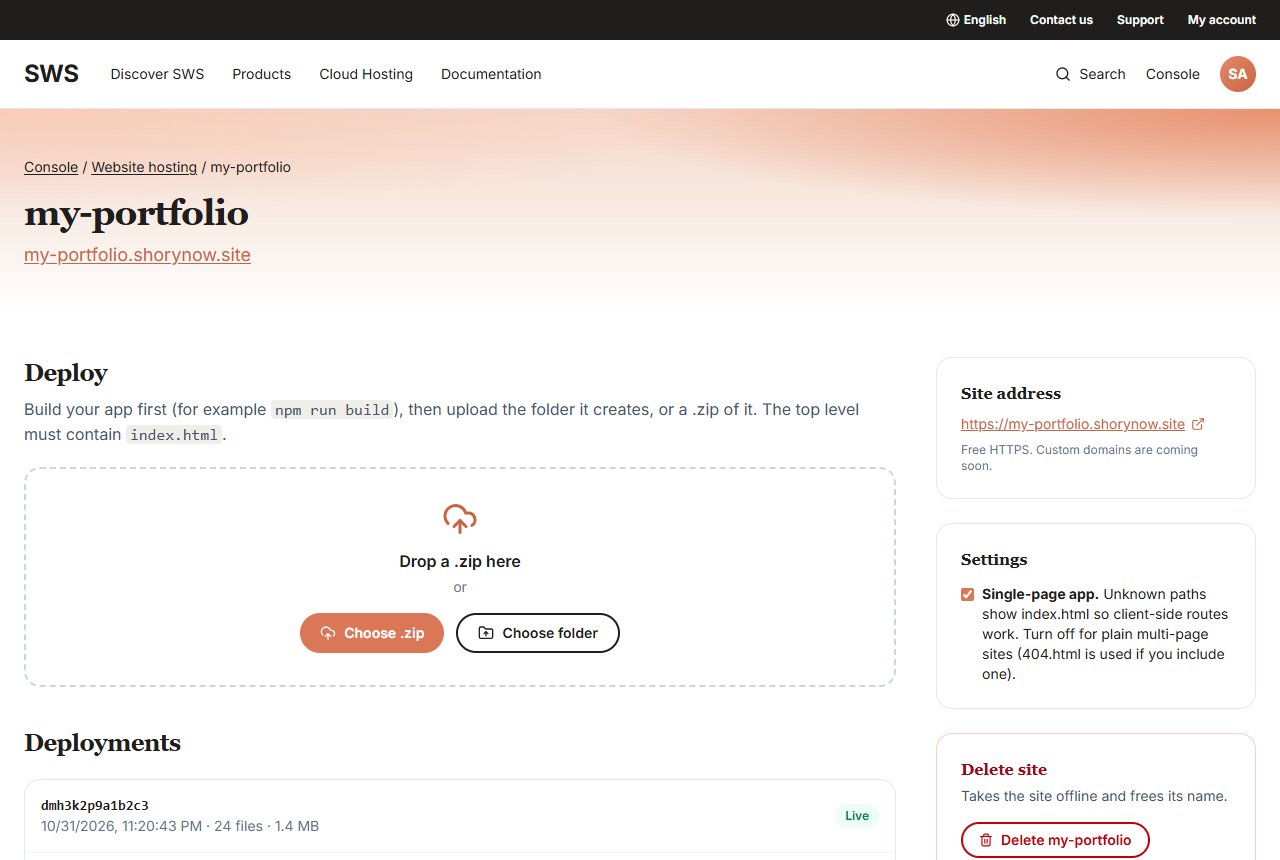
SWS Hosting is free website hosting from ShoryNow Web Services (SWS). Create a site in the SWS console, upload the folder your build creates (or a .zip of it), and your site is live on its own address with HTTPS in seconds. Every deploy is kept, so you can roll back with one click.
Free plan · Static sites and single-page apps · Deploy from the SWS console · sws.shorynow.com
1. Highlights
| Feature | What you get |
|---|---|
| Free hosting | Up to 10 sites per account at no cost. |
| Deploy in seconds | Drop a .zip or pick your build folder. Your site is live as soon as the upload finishes. |
| Free HTTPS | Every site gets its own address, <name>.<hosting domain>, with HTTPS included. |
| Any front end | React, Vue, Angular, Svelte, static Next.js, Astro, Hugo or plain HTML/CSS/JS. |
| One-click rollback | Every deploy is kept. Put an earlier version back instantly, without re-uploading. |
| Single-page app routing | Client-side routes such as /dashboard/settings work on refresh. |
| Clean URLs and 404 pages | /about serves about.html; your own 404.html is used for missing pages. |
| Stored in SWS CDN | Your files live in ShoryNow's own storage service. |